
How to Create a Family Media Plan Everyone Can Follow
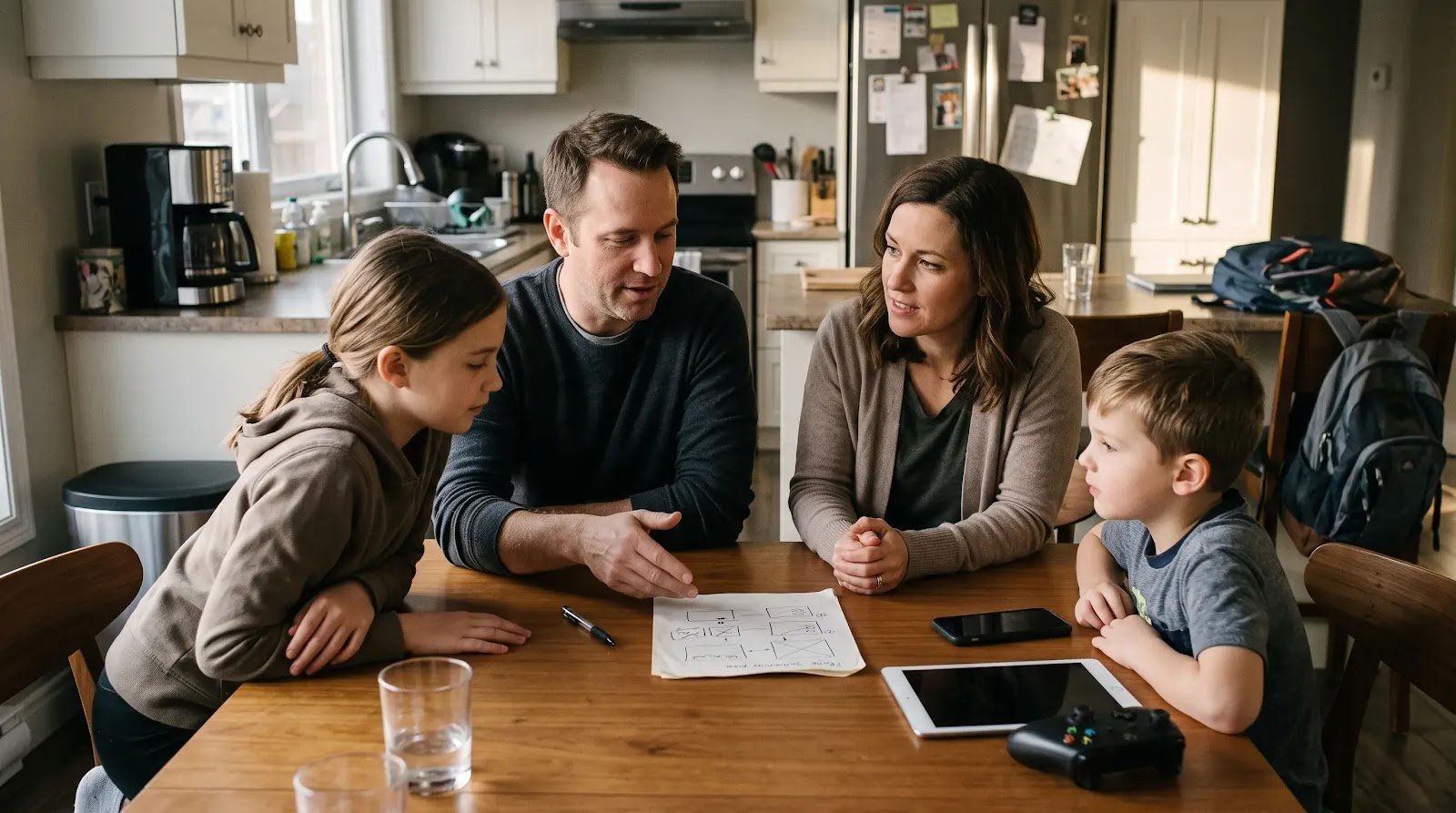
You announce:
“We’re going to have better screen rules.”
Then the questions start.
Does homework on the laptop count?
Can I text Grandma during screen-free time?
What about music?
Why can Dad check his phone at dinner?
Can I download a free game?
What happens on vacation?
A family media plan becomes hard to follow when it tries to answer every technology question with one rule—usually some version of “less screen time.”
A more practical plan has three layers: house rules everyone can see, child-specific rules that change with age, and device settings that support those rules.
If your plan is short enough to remember and flexible enough to survive real family life, it has a much better chance of being used.
Do Not Start With a Daily Number
Screen time may be one part of your plan, but modern family media includes much more than minutes.
Phones, games, school laptops, streaming, messaging, video calls, social media, smartwatches, online purchases, and AI tools can all serve different purposes.
The American Academy of Pediatrics’ 2026 digital-media guidance moves beyond treating every screen experience as equivalent. It recommends considering the content, context, child’s needs, family routines, and whether digital media is crowding out sleep, movement, learning, relationships, or other important parts of life.
The AAP also provides a free Family Media Plan tool families can use to build personalized boundaries.
Before discussing exact limits, decide what you want technology to look like in your home.
Build the Plan in Three Layers
A media plan becomes easier to manage when every rule belongs in one of three places.
Layer 1: House Rules
Rules that generally apply to everyone.
Layer 2: Child Rules
Expectations that depend on age, maturity, device access, school needs, and current problems.
Layer 3: Device Settings
Technical settings that make the family rules easier to follow.
This prevents a common problem: trying to make one universal rule fit a parent, a 7-year-old, and a 15-year-old who all use technology differently.
Layer 1 — Create a Few House Rules That Apply to Everyone
Start with the parts of family life you want to protect.
Possible house rules might include:
- Personal devices stay away during family meals.
- Only one entertainment screen is used at a time.
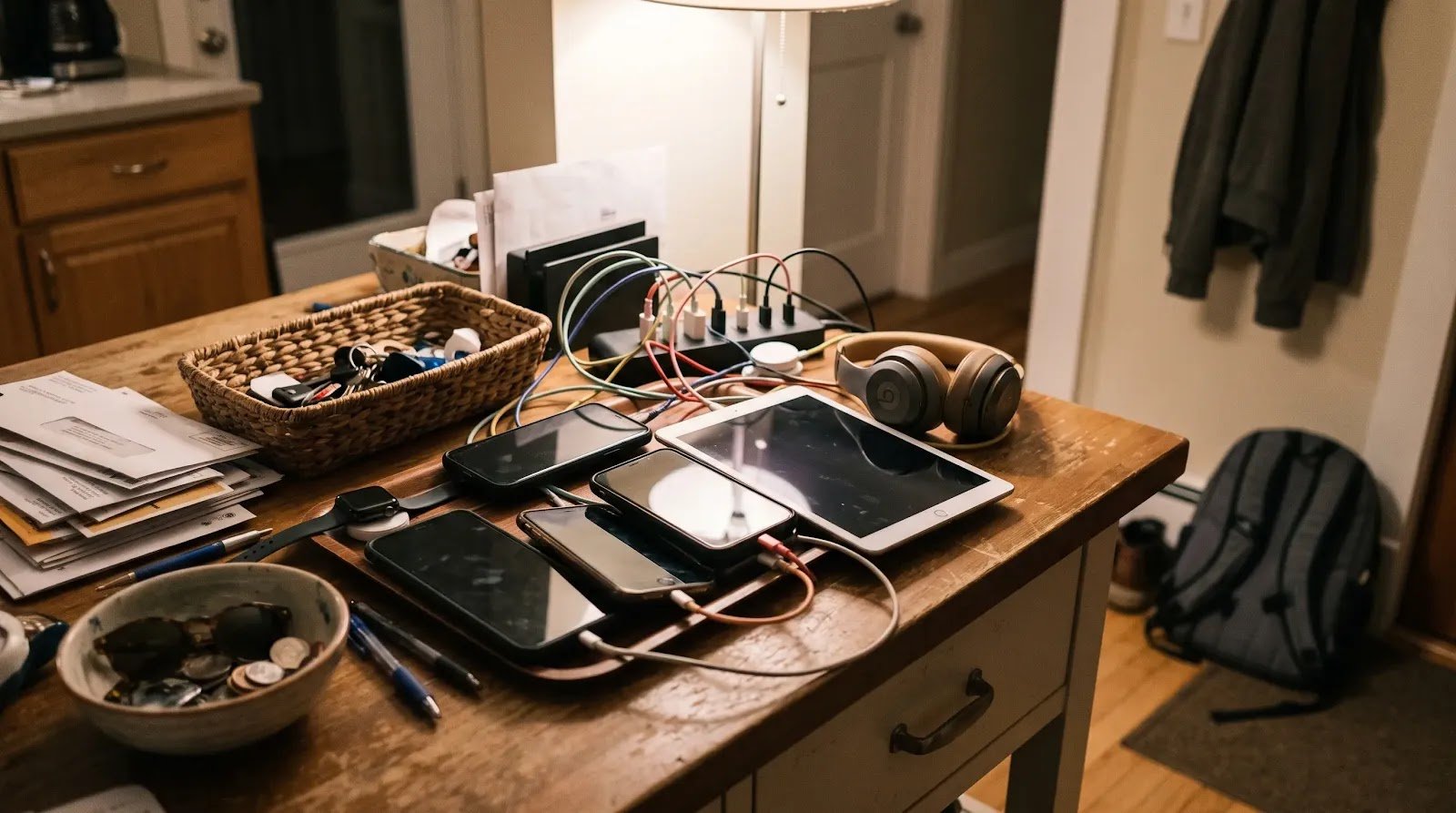
- Devices have a shared overnight charging location.
- People put phones down when someone is trying to have an important face-to-face conversation.
- Family movie night is shared media time, not four people scrolling separately.
You do not need all of these.
Choose the few that solve real problems in your household.
HealthyChildren.org’s current AAP guidance on making a family media plan recommends creating screen-free times and places, considering a one-screen-at-a-time rule, including adults in the plan, and revisiting the plan as children grow.
That adult part matters.
If the rule is:
“No personal phones at dinner,”
it will be difficult to defend if adults routinely scroll through the meal.
Adults and children do not need identical technology privileges. But a rule described as a family rule should genuinely apply to the family unless there is a clear reason for an exception.
Layer 2 — Give Different Children Different Rules When Needed
Fair does not have to mean identical.
A preschooler using a shared tablet, a 10-year-old playing online games, and a teenager with a phone do not face the same decisions.
Your child-specific rules might cover:
- When recreational media can be used.
- Which apps, games, or services require adult approval.
- Who the child may message or communicate with.
- Whether devices can enter bedrooms.
- Which purchases need permission.
- What personal information should not be shared.
- What to do when something online feels uncomfortable, confusing, or unsafe.
Keep these rules connected to what the child can actually understand and manage.
A younger child might need:
“Ask before downloading anything new.”
An older child may need a more specific conversation about messaging, account privacy, purchases, and what happens when an unfamiliar person contacts them.
The plan should develop as access develops.
Write Rules as Actions, Not Values
This sounds good:
“Use technology responsibly.”
But what does it mean at 9:45 tonight?
Translate values into observable actions.
Instead of:
“Don’t use your phone too much.”
try:
“Your phone charges in the family charging area overnight.”
Instead of:
“Be safe online.”
try:
“Ask before sharing your full name, school, location, or other private information with someone you don’t know offline.”
Instead of:
“Stop buying random things.”
try:
“All game and app purchases need approval first.”
If two reasonable people could interpret the rule completely differently, make it more concrete.
Separate Screen-Time Rules From the Rest of the Plan
Do not let your family media plan turn into a longer version of your screen-time rule.
Screen timing answers questions such as:
When can recreational screens start?
When do they end?
What happens on school days versus weekends?
Your broader media plan also answers:
Where do devices belong?
What content needs approval?
How are downloads and purchases handled?
What information stays private?
What happens if something upsetting appears online?
Which rules apply to adults too?
If stopping screens is the main conflict in your home right now, solve that separately with our guide to setting screen-time rules without daily arguments.
Layer 3 — Use Device Settings to Support the Plan
Once the human rules are clear, technology can help reinforce them.
Depending on the devices and services your family uses, settings may allow you to manage things such as:
- App downloads.
- Purchases.
- Contacts or communication features.
- Content restrictions.
- Usage schedules or limits.
- Notifications.
- Autoplay.
- Privacy options.
AAP guidance recommends using parental controls where appropriate and also suggests turning off features such as autoplay and unnecessary notifications that can encourage continued engagement.
But parental controls are not the plan.
A setting can block a purchase.
It cannot teach your child why purchases require permission.
A timer can end access.
It cannot replace a family agreement about what happens when time is up.
A privacy setting can reduce some exposure.
It cannot guarantee that every online interaction is safe.
Keep the order straight: Decide the family rule first. Then use device settings to support it. Avoid letting whatever settings happen to exist on a device determine your entire parenting plan.
Include a “Tell Us” Rule
A family plan should not only explain what children are forbidden to do.
It should also explain what happens when something goes wrong.
Consider a rule such as:
“If something online scares you, embarrasses you, pressures you, asks for private information, or makes you feel like you need to hide it from us, come tell us. We will deal with the situation before we deal with whether a rule was broken.”
Children sometimes need adult help precisely when they are afraid they will get in trouble.
That does not mean consequences can never follow a poor decision.
It means immediate safety and honest communication should not depend on the child having behaved perfectly first.
Decide How Downloads, Accounts, and Purchases Work
Money and new accounts create preventable arguments when the rule is unclear.
Choose a simple default.
For example:
Downloads: Ask before installing a new app or game.
Accounts: Check with a parent before creating a new account that collects personal information or connects you with other users.
Purchases: No in-app, game, or subscription purchase without approval.
Trials: Ask before starting a “free” trial that requires payment information.
You do not need to include every possible transaction in the plan.
You need a rule your child knows before the purchase screen appears.
Choose a Few Screen-Free Places or Times
Do not make the entire home anti-technology.
Protect the places where screens are causing a real problem.
Common starting points include:
- Family meals.
- Parts of the bedtime routine.
- Homework periods when an unrelated device is distracting.
- Family conversations.
The AAP’s updated digital-media guidance recommends making room for sleep, physical activity, reading, play, homework, and family connection, and suggests screen-free times or zones as one tool for doing that.
If you want one part of the week to be deliberately screen-free without making it feel like punishment, see how to plan a screen-free family evening without complaints.
Write the Exception Rules Too
A plan everyone can follow needs room for life.
Consider what happens during:
- Travel.
- Illness.
- School projects.
- Video calls with relatives.
- Family movie nights.
- Long waits.
- Special gaming events or social plans.
An exception does not need a courtroom argument.
You can simply say:
“Travel days use different media rules. The normal plan starts again when we get home.”
Or:
“Using your laptop for tonight’s school project does not use up your normal entertainment time.”
When exceptions are expected and named, children are less likely to treat one unusual day as a permanent rule change.
Let Children Help Build the Plan
A child does not need final authority over every family boundary to have useful input.
Ask:
“Which rule is hardest to follow right now?”
“Is there a technology rule you think is unclear?”
“When do you think phones get in the way of our family?”
“What should adults do differently too?”
You may hear something worth changing.
Your child might point out that a gaming cutoff lands halfway through the only time friends are online.
Or that adults say “no phones during conversations” while answering messages mid-sentence.
Listening does not require accepting every proposal.
It helps you create a plan that reflects how technology is actually being used.
If you want a more structured way to discuss new family rules together, a short family meeting can work well for this conversation.
Use the One-Page Test
When the first draft is finished, ask:
Could an older child explain our basic media plan without reading it?
If not, it may be too complicated.
A simple plan might contain only:
- Two or three house-wide technology rules.
- A few age-specific rules for each child.
- One rule for downloads and purchases.
- One privacy and online-safety rule.
- One expectation for where devices go at night.
- A short explanation of exceptions.
Settings, passwords, and detailed technical instructions do not need to live in the family-facing version.
The plan should tell people what to do.
Review the Plan Instead of Quietly Accumulating New Rules
Family media rules tend to multiply.
A problem happens.
A new rule appears.
Another problem happens.
Another rule appears.
Eventually nobody remembers which rules still exist.
Instead, schedule an occasional reset.
AAP guidance recommends revisiting a family media plan as children mature and when family circumstances change, such as around a new school year or seasonal break.
A review can be brief:
Keep: Which rules are working?
Change: Which rule is creating unnecessary friction or no longer fits?
Add: Has a new device, app, account, or responsibility created a decision we have not made yet?
Remove: Which rule has the child outgrown?
A media plan should mature with the family rather than becoming a document nobody is allowed to touch.
Turn the Plan Into a Written Family Agreement
Once you know what the rules actually are, write down the final version.
Keep it short.
Use language the children involved can understand.
And include adults wherever a rule genuinely applies to everyone.
If you want help turning your decisions into a structured agreement, use the Free Family Technology Agreement Builder.
The tool is most useful after you have made the important decisions. It should record your family’s plan, not replace the conversation that creates it.
A Media Plan That Works Will Probably Look Boring
There does not need to be a rule for every app.
You do not need to predict every future device.
And every child does not need identical limits.
A workable plan simply makes the important decisions visible before the next conflict:
What belongs to everyone?
What changes by child?
What do the devices enforce?
Where does technology stay out?
What requires permission?
What happens when something goes wrong?
And when will you revisit the plan?
If everyone in the family can answer those questions, the plan is already doing more useful work than a long list of rules nobody remembers.