
How to Plan a Screen-Free Family Evening Without Complaints
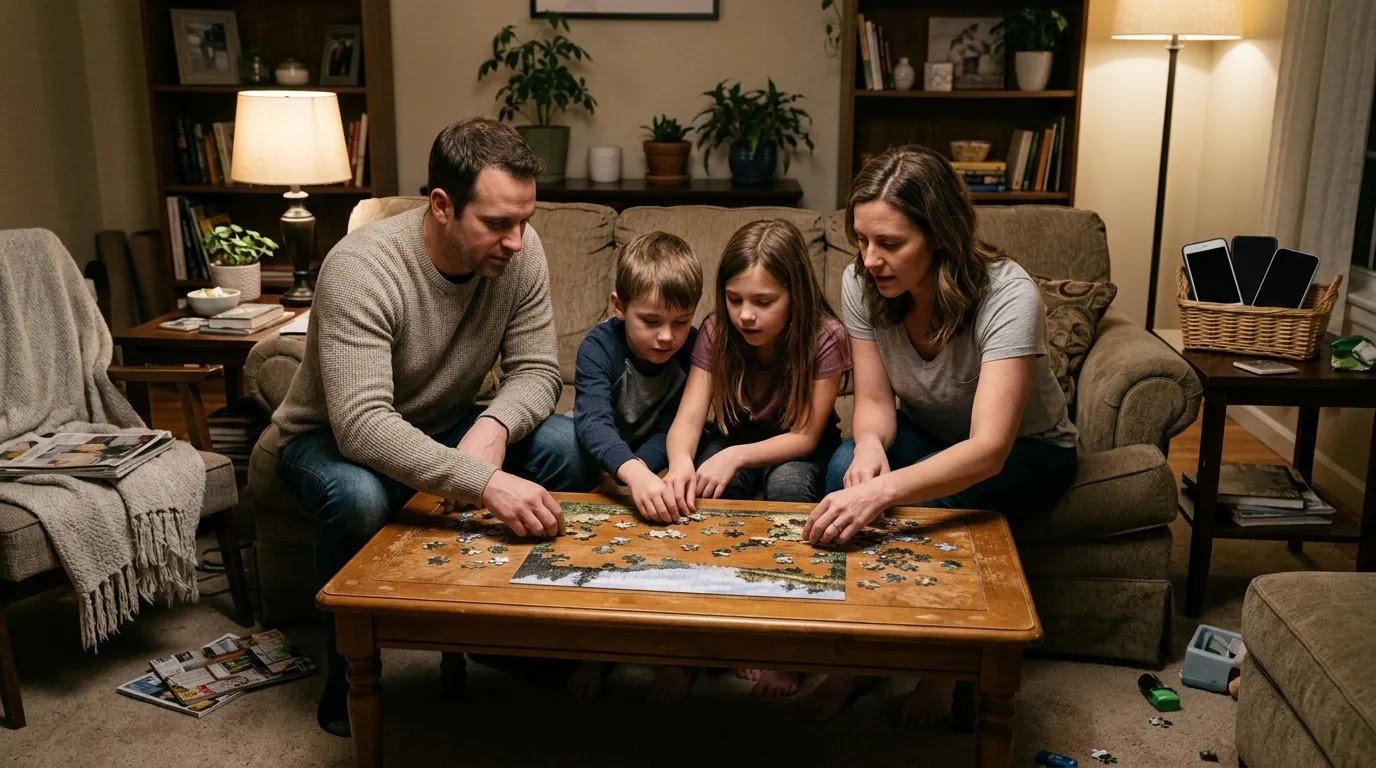
You announce, “No screens tonight,” and before you have even explained the plan, someone groans, someone starts bargaining for one more game, and someone asks what they are supposed to do instead.
A screen-free family evening usually goes better when it is not a surprise confiscation. Give everyone advance notice, make the boundary clear, have something easy ready to do, and include the adults in the same expectation.
The goal is not to guarantee zero complaints. It is to make unplugging predictable enough that the complaints do not become the entire evening.
Decide What “Screen-Free” Means Before You Start
Families can mean different things by screen-free. Decide what your version includes before the devices are being put away.
For example, you might agree that:
- phones, tablets, gaming, and personal video watching are paused,
- schoolwork that genuinely requires a device is handled before the evening starts,
- one adult phone stays accessible for urgent calls if needed, and
- background music is fine even if it comes from a connected speaker.
You do not need the strictest definition. You need one everyone understands.
The American Academy of Pediatrics recommends creating media boundaries that fit a family’s routines and values and making room for screen-free times and offline activities. It also emphasizes that family media expectations should include adults, not just children. HealthyChildren.org explains the current AAP Family Media Plan guidance.
Give Advance Notice Instead of Pulling the Plug
If your child expects to spend the evening gaming or watching something, suddenly announcing a screen-free night at 6:58 p.m. creates a second problem: the unexpected transition.
Tell everyone earlier in the day when possible:
Tonight from 7 to 8:30 we’re taking a break from personal screens. Finish anything important before then. We’ll pick what we want to do together after dinner.
Then give a shorter reminder as the time approaches.
When possible, let kids reach a reasonable stopping point rather than interrupting in the middle of something without warning. That does not mean every request for “five more minutes” needs to be granted. It simply makes the transition more predictable.
AAP guidance on difficult screen transitions similarly notes that planning ahead can help reduce power struggles, even though it will not prevent every protest. HealthyChildren.org offers additional guidance on stopping screen use calmly.
Give Kids a Choice Without Making the Whole Evening Negotiable
There is a useful difference between giving children input and asking them whether the screen-free boundary still applies.
Instead of:
What does everyone want to do tonight?
offer two or three realistic choices:
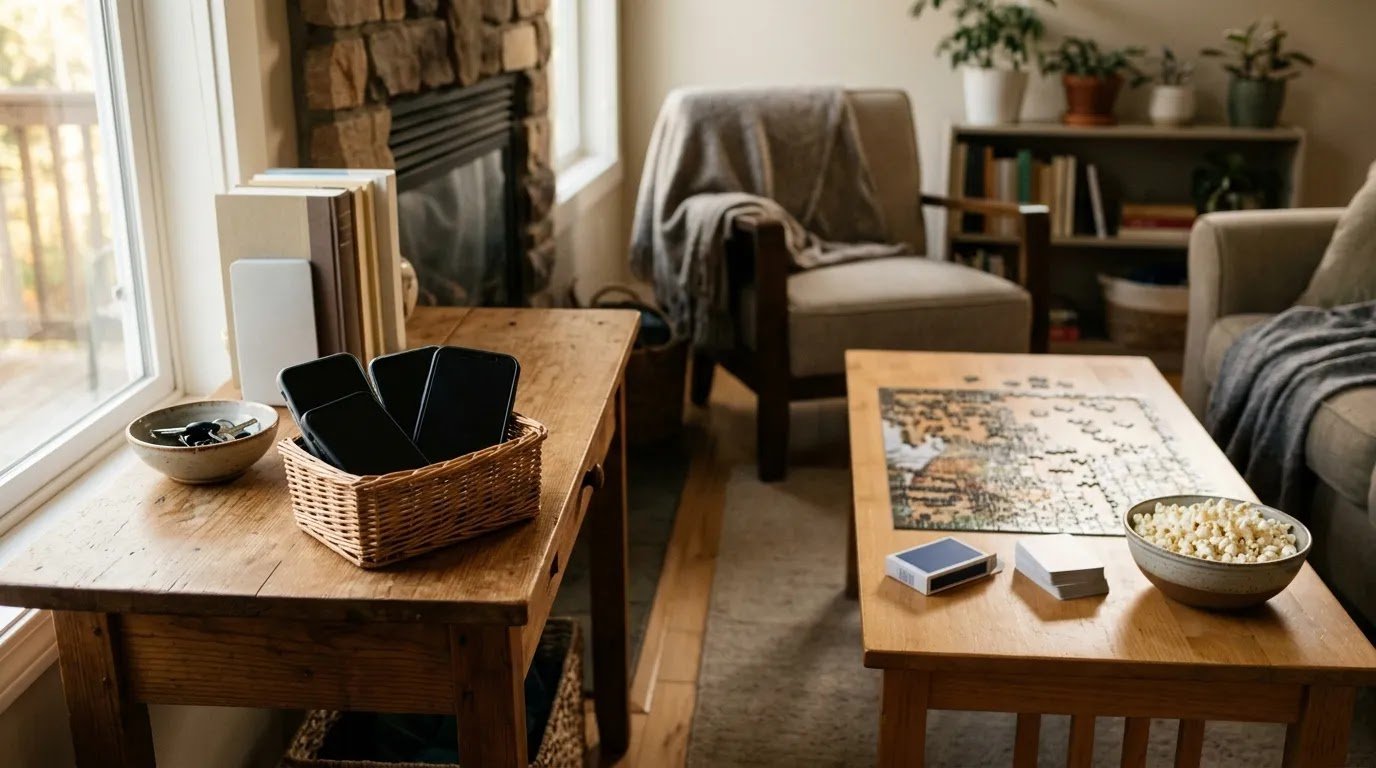
Screens are off after dinner. Do you want to play cards, work on the puzzle, or make popcorn and take a walk?
A small menu prevents one parent from controlling the entire evening while also avoiding a 20-minute debate over unlimited possibilities.
If your family regularly gets stuck at the “What should we do?” stage, use the Free Screen-Free Activity Picker for Families to choose something quickly.
Do Not Replace Screens With an Evening of Obligations
If “screen-free family time” immediately becomes cleaning bedrooms, finishing extra worksheets, organizing closets, and having serious family discussions, children may reasonably hear it as another name for work.
Chores and homework still need their own place. But if the purpose of this particular evening is family connection, give the offline time at least one thing people can genuinely enjoy.
That might be:
- a simple game,
- a walk,
- baking something easy,
- working on a puzzle,
- drawing or building together, or
- sitting outside with snacks and talking.
You do not need a huge activity list. One easy option that is ready to start is better than an ambitious project requiring 30 minutes of setup.
Start Shorter Than You Think You Need To
Your first screen-free evening does not need to run from dinner until bedtime.
If screens are a regular part of your family’s downtime, start with a window that feels achievable—perhaps 45, 60, or 90 minutes depending on your children’s ages and normal routine.
Ending while the evening is still going reasonably well can make the next attempt easier.
A simple 60-minute version could look like this:
- First 10 minutes: devices go away, snacks come out, everyone settles into the transition.
- Next 40 minutes: one shared activity or a couple of low-key activities.
- Final 10 minutes: finish naturally, clean up, and move into the next part of the evening.
This is a framework, not a timer you have to police.
When the Complaints Start, Do Less Talking
A child can dislike the plan without the plan changing.
If someone says, “This is boring,” “Why do we have to do this?” or “Everyone else is online,” avoid launching into a speech about family values and the dangers of screens.
Try a shorter response:
I know you’d rather keep playing. Screens are paused until 8:30. You can join the card game or help me choose something else from our list.
Or:
You don’t have to be excited about it. You do need to leave the tablet put away until our screen-free time is over.
Acknowledging disappointment does not require reopening the decision every few minutes.
Make Sure the Adults Actually Participate
A screen-free evening becomes much harder to sell when children put away their tablets while the adults continue checking messages, scrolling, or answering non-urgent notifications.
If you need one phone available for work, an emergency contact, or another practical reason, say so clearly instead of pretending the rule is identical.
Otherwise, set adult devices aside too.
This matters not because parents must model perfect technology habits, but because a shared family activity feels different from a restriction imposed on only one generation.
Adjust the Evening for Different Ages
With younger children
Keep the window short and the replacement activity concrete. A child who just lost access to a favorite show may struggle with “Go find something to do,” but can respond better to “Do you want blocks or play dough?”
Stay involved rather than expecting them to entertain themselves for an entire evening.
With school-age kids
Give them more ownership. Let them choose an activity, prepare the snack, set up a game, or decide whether the family starts indoors or outside.
A clear start and end time can also make the boundary easier to understand.
With tweens and teens
Advance notice matters even more when online time includes real friendships and planned social activity.
Do not schedule a surprise screen-free evening over a known group project, planned gaming session with friends, or another commitment and then frame the objection as simply being “too attached to screens.”
Agree on a reasonable window and give older kids meaningful influence over what everyone does during it.
Fix the Friction Point If the Evening Flops
If the first attempt goes badly, you do not need to decide that your family “can’t do screen-free time.” Look at the specific point where it broke down.
Everyone complained before it even started
Give more notice next time and let family members help choose the timing or activity.
Nobody knew what to do
Choose the first activity before screens go away. Do not make boredom the opening event.
The activity lasted 15 minutes
That may be enough for that activity. Switch to something simple rather than forcing everyone to continue because you planned an hour.
The evening felt too long
Shorten the next one. A repeatable 45 minutes is more useful than a three-hour experiment everyone dreads.
The adults kept checking their phones
Change the setup. Put devices somewhere slightly inconvenient rather than keeping them within arm’s reach.
Every activity becomes an argument
Rotate who chooses or offer a small menu. If what you really want is a recurring family tradition rather than an occasional screen break, the guide to starting a weekly family night everyone can look forward to can help you build that routine separately.
Try the Minimum-Viable Screen-Free Evening
For your first attempt, keep the plan deliberately simple:
- Choose one 60- to 90-minute window.
- Tell everyone earlier in the day.
- Offer two or three activity choices.
- Put adult and child devices away together.
- Have the first activity ready before the screens turn off.
- End at the agreed time instead of extending it because things are going well.
You can adjust from there.
A successful screen-free family evening is not one where every child declares that offline life is better and nobody asks for a device. It is one where screens make room for something else for a while—and your family can get there without spending most of that time arguing about the rule.